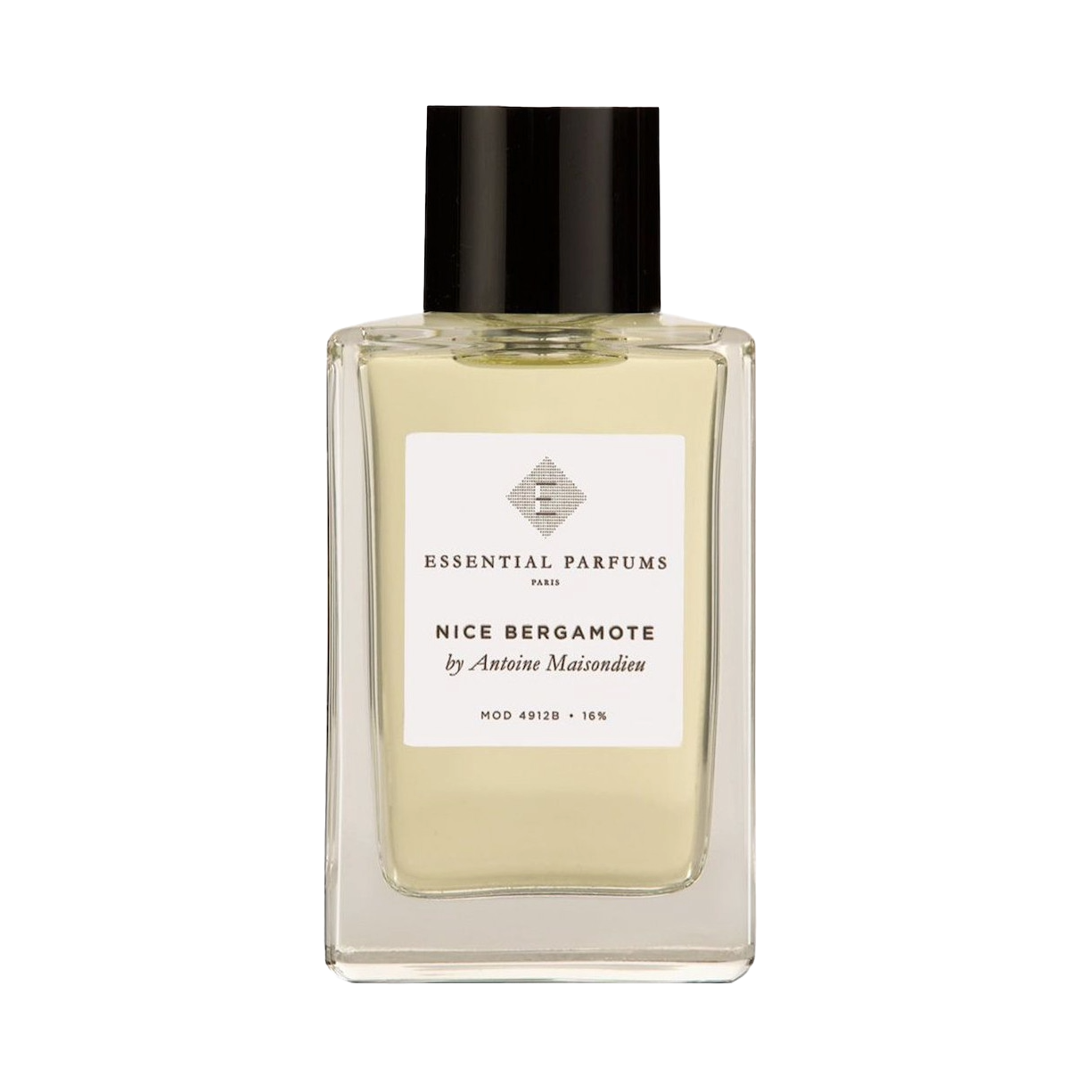
A sunny burst of the finest natural Calabrian bergamot leaves an impression of brightness behind, woven with a natural floral accord of rose petals, jasmine, and ylang ylang from the Comoros Archipelago. Precious cedarwood creates a warm base, softened by Tonka beans from Venezuela. Nice Bergamote features a natural and sustainable variety of Ylang Ylang from Comores extracted by lowering the impact on the local ecosystem and by implementing a replanting program of trees. Tonka beans are sourced to support local Venezuelan communities, with an agreement to protect the surrounding fauna.
Fragrance Notes
Bergamot, Ylang-Ylang, Jasmine, Cedarwood, and Tonka Bean
Trademark Disclaimer: All perfume samples and brand names mentioned on this page are registered trademarks of their respective owners. Scent Discovery is not affiliated with, nor endorsed by, any of the featured brands, unless explicitly stated otherwise. All trademarks, logos, and brand names are the exclusive property of their respective owners and are used here for identification and descriptive purposes only. The perfume samples sold by Scent Discovery are independently rebottled from authentic, original products. These samples are not intended to mislead consumers regarding their origin or imply any endorsement, sponsorship, or affiliation with the respective brands. References to brand names or trademarks are made solely to describe our samples and the contents therein.
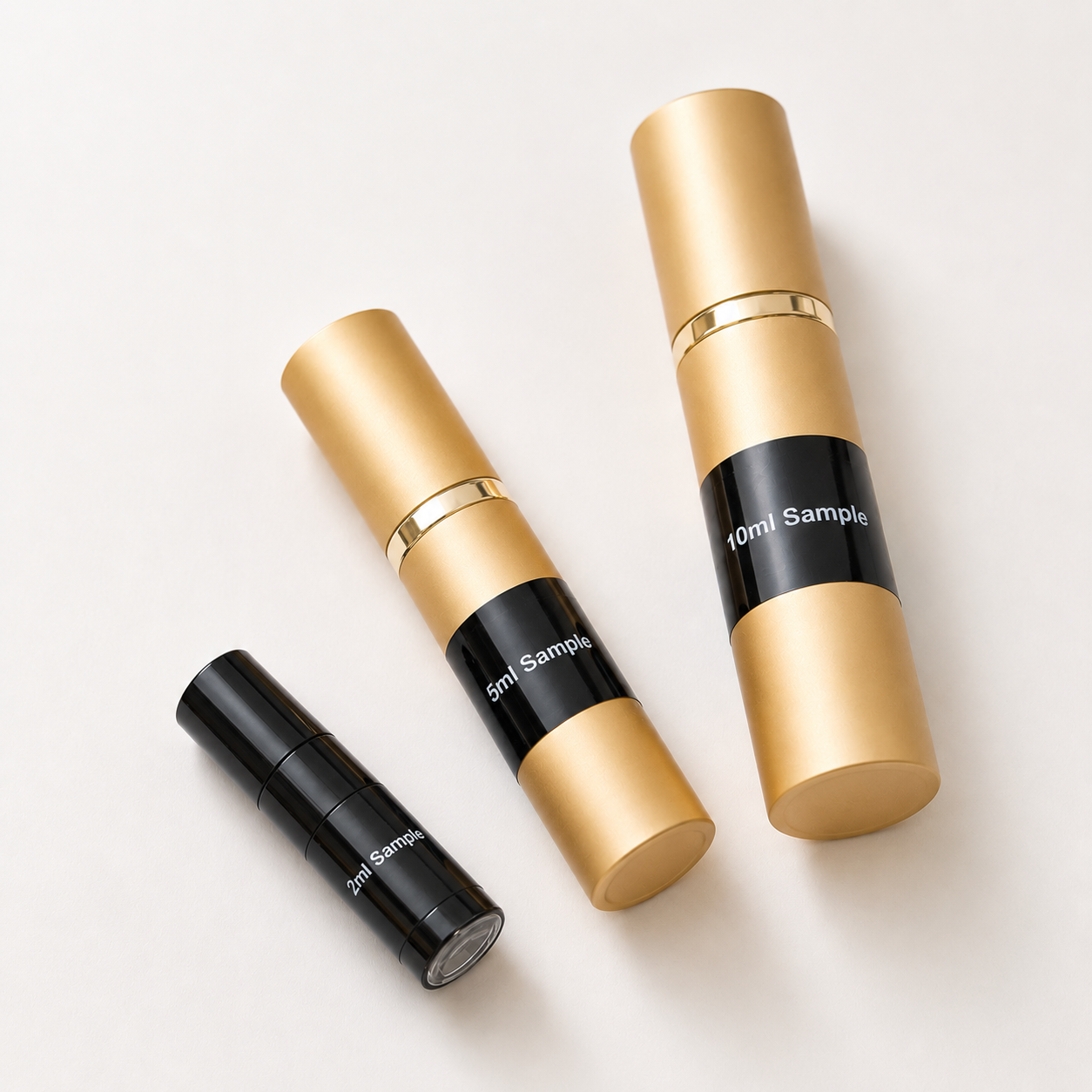
The atomisers in the image above are generally representative of what you will receive. Atomiser type and colour may vary from time to time depending on our suppliers’ stock availability.
All fragrances offered on scentdiscovery.com.au are authentic products that have been independently rebottled, repackaged, and distributed by Scent Discovery, located in New South Wales, Australia. Scent Discovery is not affiliated, connected, or associated with the original manufacturers or brand owners of these fragrances, unless stated otherwise.
Subscribe to our newsletter for special promotions, new product launches and more:
Choosing a selection results in a full page refresh.
Opens in a new window.
PayPal Pay Later Messaging
Step 1: Choose message placement
Click the button below and then hover over your page to select a placement.
Step 2: Paste and save
You have copied the placement for the Product Page.
Go back to the App Embeds section, and in the Paypal Advanced Settings, paste the copied value into the
Product Page field and click the 'Save' button in the top right corner.
A haunted and haunting fragrance that lingers for a full 24 hours. The character changes considerably from a damp opening of pine to an amber base that is the actual character of this fragrance.